Experience guide / CANADA-WIDE
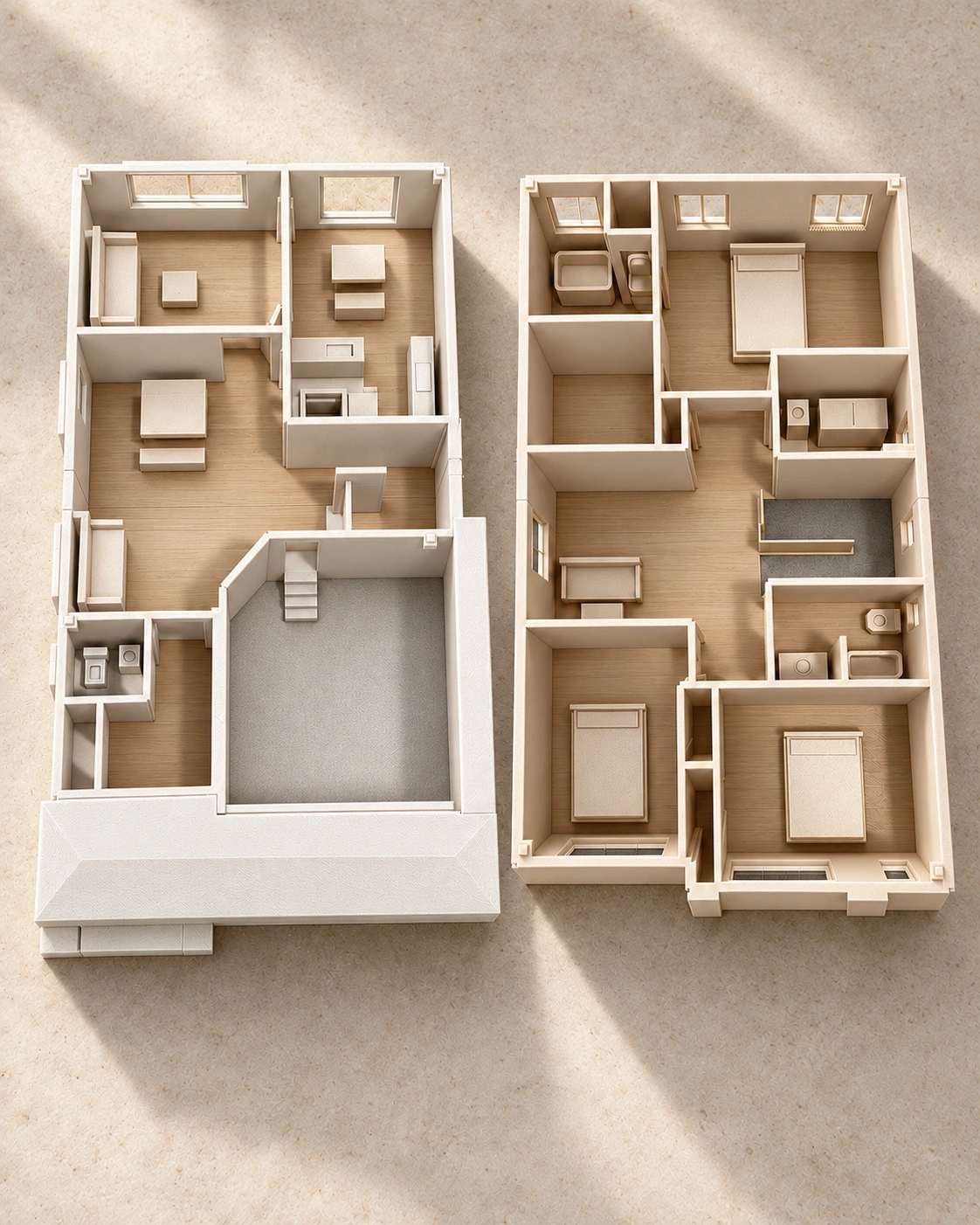
Ridgefield AR demonstration
Choose where the model belongs in your space.
Open the AR experienceRidgefield — digital interior print preview.
Open “Place in your space” on a compatible device to choose where the Ridgefield model appears. You can use the normal 3D view when AR or camera permission is unavailable.
Tabletop AR demonstration. Device and environmental limitations apply; life-size work is scoped separately.
Choose a clear, well-lit surface, allow camera access only when entering AR, and follow the on-screen placement controls. A QR code opens the experience; it does not need to determine the model’s final position. Open the 3D viewing alternative
Ridgefield is a documented pilot case requested by JSB Consulting. Read the documented pilot case
What to look for
Use the different formats to discuss appearance and room relationships. For dimensions, material approval or production details, refer to the agreed source drawings and project quote. The visual example is not a construction specification.